Add a Creator
Admin users have the ability to add a creator into the system that will track the social stats of their posts within campaigns managed by The QYOU throughout their execution. As well as provide a dashboard to all of the campaigns they've participated in.
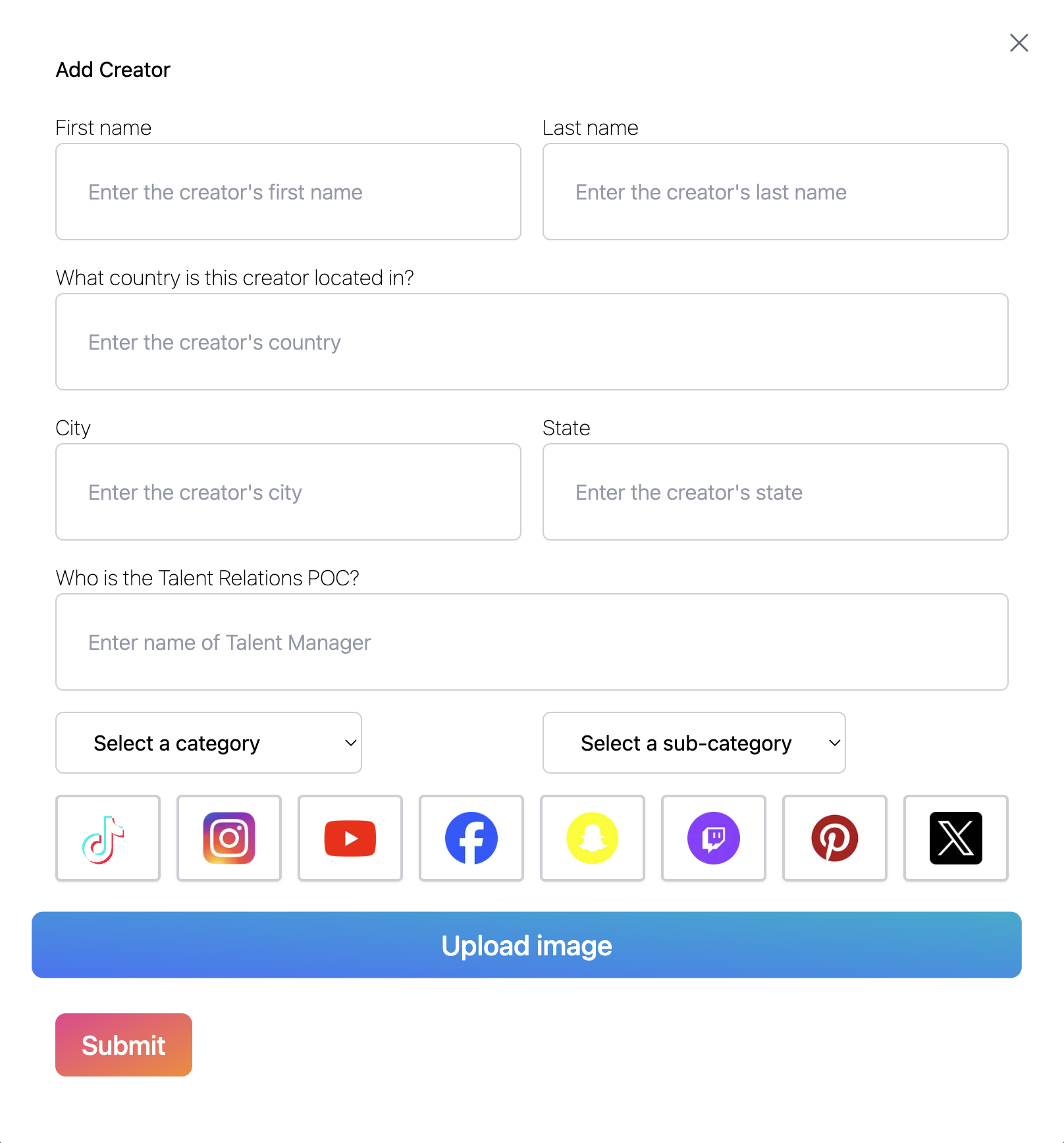
To add add a creator you will input:
- a creator's first and last name
- Their location
- The talent contact
- The creator's category and sub-category if present
- The creator's platforms with links
The more information provided in the creator profile will yield a better user experience as well as make filtering more robust
How to add TikTok:
Fill out a creator's fist and last name as well as add any other additional information you have.
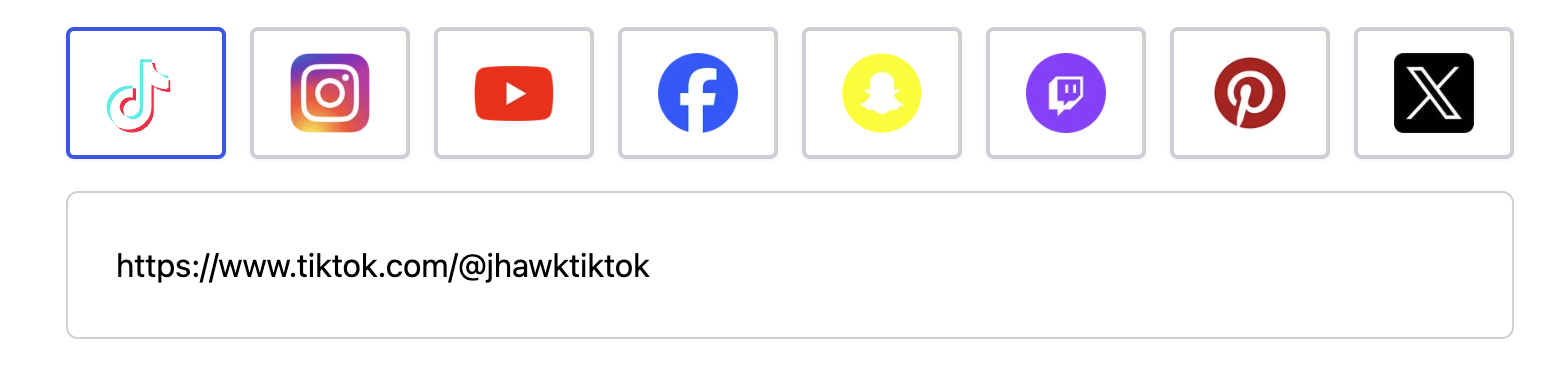
Select the TikTok logo and a text box will appear. Inside of it type the full URL of a creator's profile.
How to add Instagram:
Fill out a creator's fist and last name as well as add any other additional information you have.
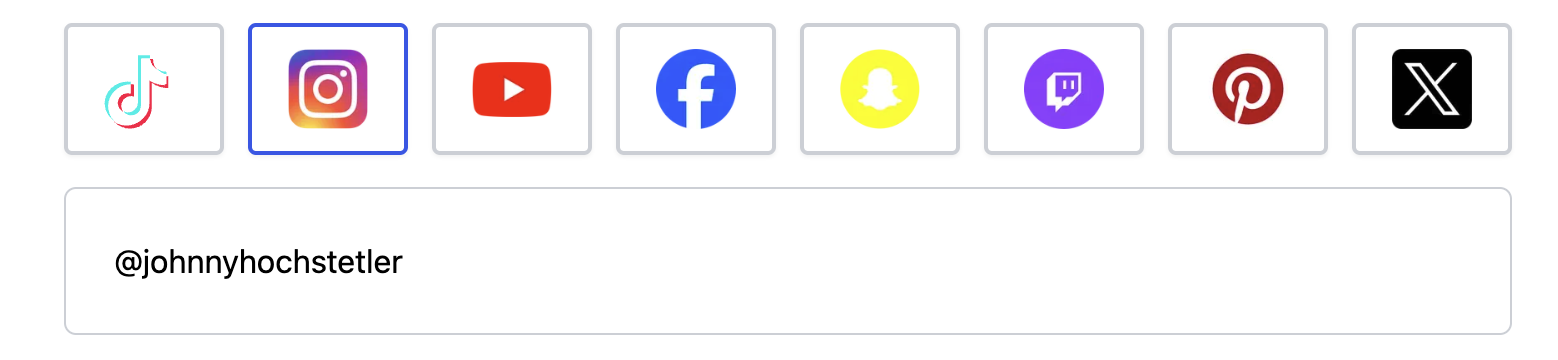
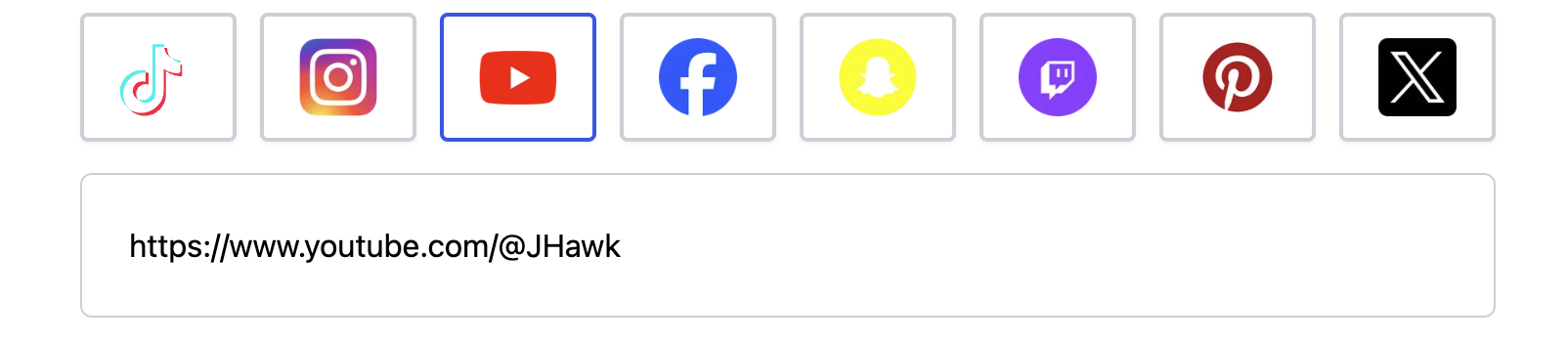
How to add YouTube:
Fill out a creator's fist and last name as well as add any other additional information you have.
Adding other Social Media Networks
All other social media sites are in process of being integrated but we can still include links to creator's profiles similarly to the above
After adding a creator
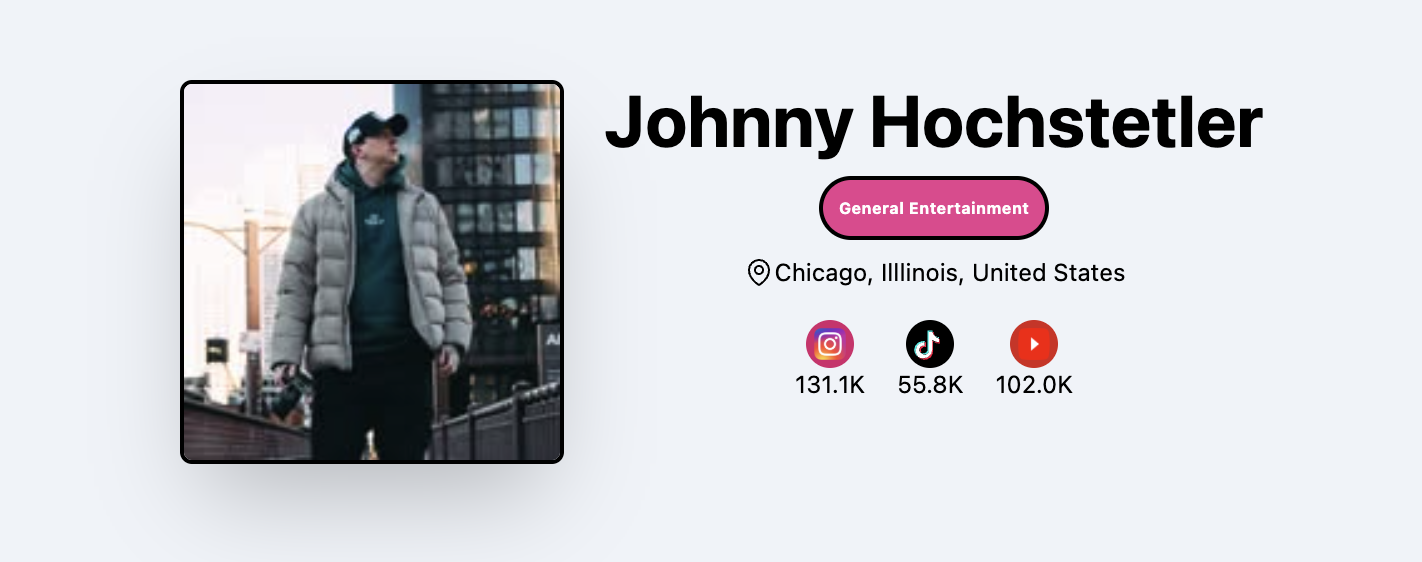
Afte you hit submit the page will redirect to the creator's newly created profile page.
Editing a creator
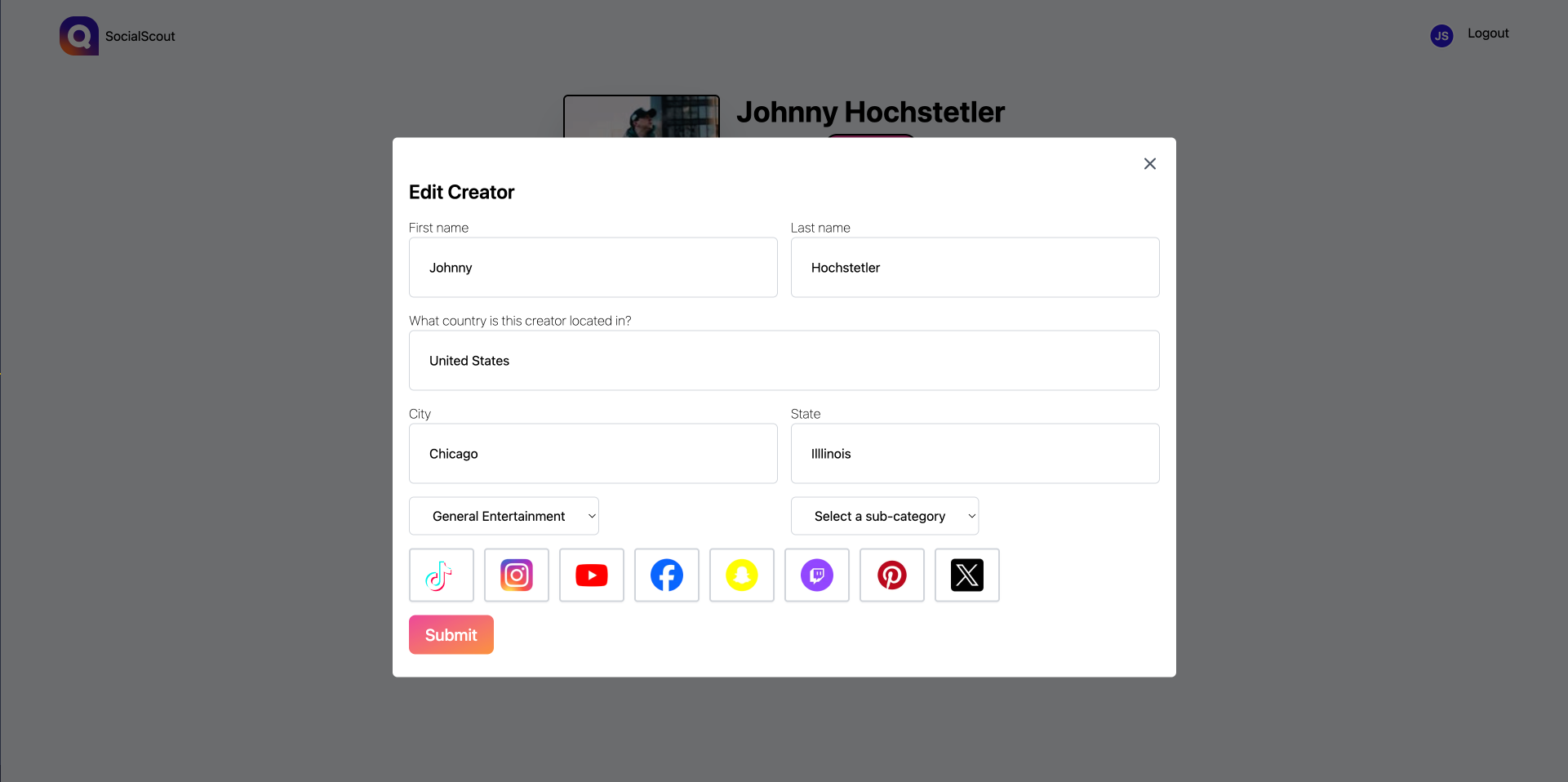
After a creator has been added admins can edit their information similarly to how they were added