Navigating the Home Screen
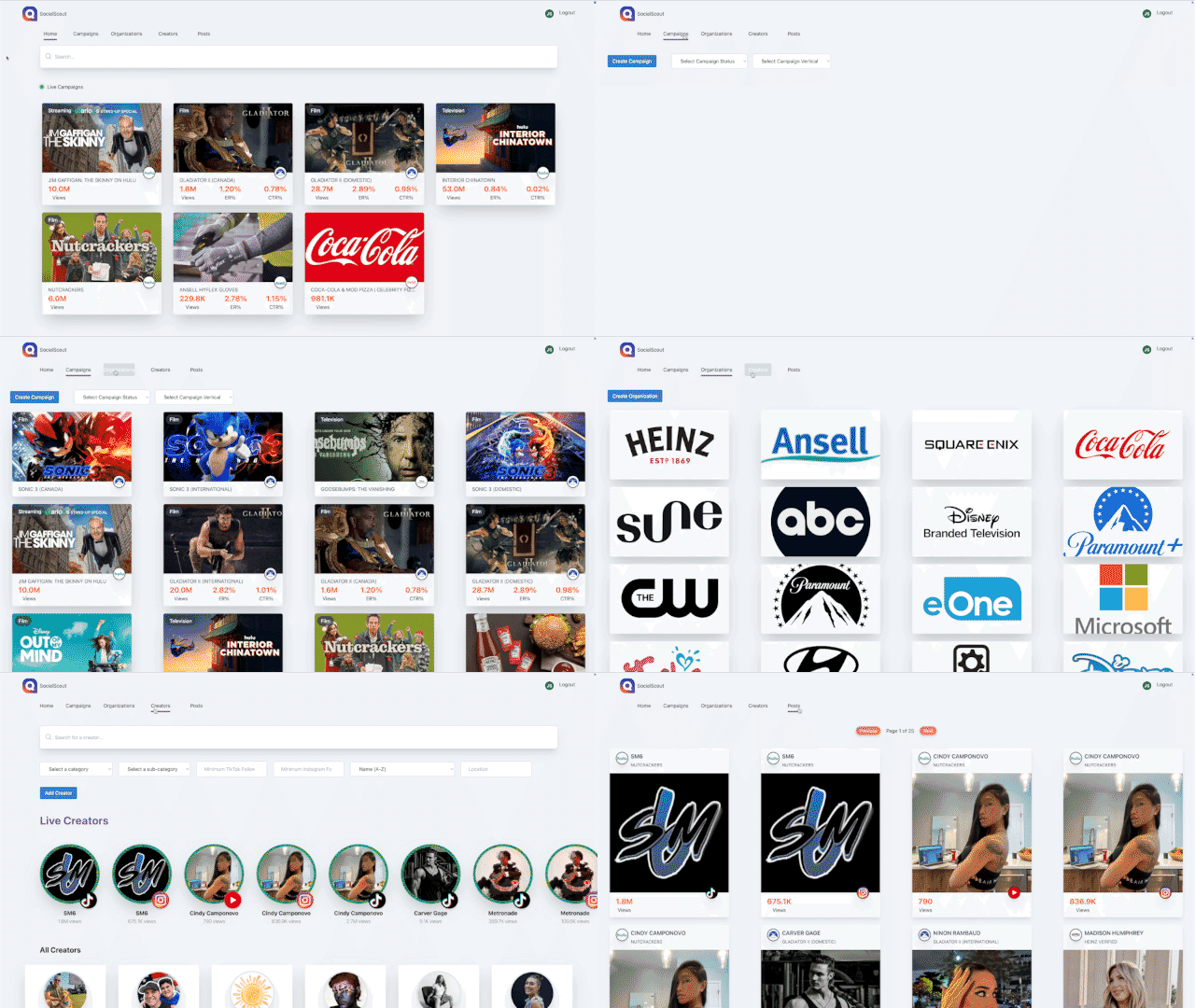
After logging in users can navigate across five main screens.
Users can all use the search bar to parse through campaigns, organizations, and creators more fluidly
Home
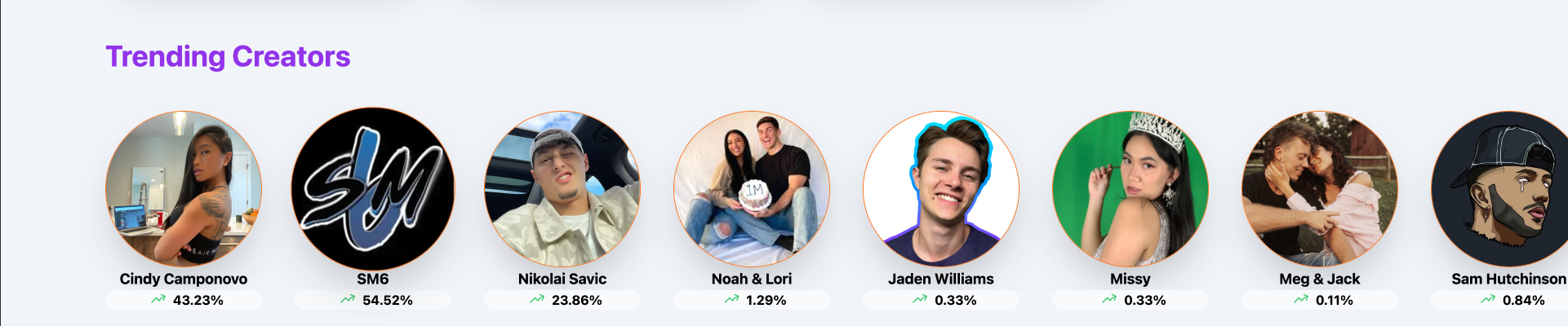
The home screen is where the current live campaigns are located. A user can also see what creators are currently live withing their acitve campaigns ranking them by highest percentage increase every 6 hours.
The search bar is universal retrieving campaings, brands, creators that will link to their source.
Campaigns
This shows every campaign within the system with basic filtering enabled allowing a user to find what they're looking for. On this screen a permissioned user also has the ability to Create a campaign.
Organizations
This shows every brand that is within the system. On this screen a permissioned user also has the ability to Create a organization.
Creators
This shows every creator within the system with basic filtering enabled allowing a user to find what they're looking for. On this screen a permissioned user also has the ability to add a new creator.
Posts
This shows every post within the system.